

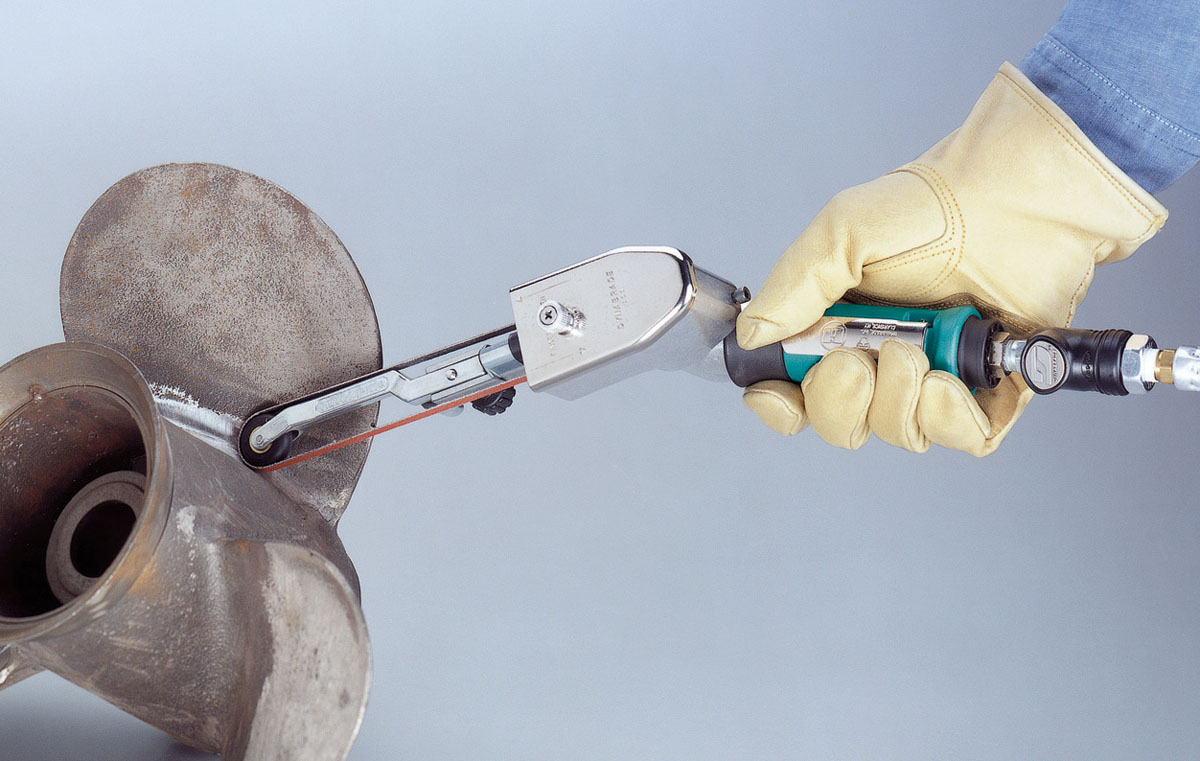
How to identify your Dynabrade tool model — whether you’re ordering spare parts, accessories, or just confirming compatibility — is easier than you might think. Every Dynabrade tool includes a unique model number and often a serial code that identifies its exact build specification. This guide shows you where to look, how to read it, and how to match it to the right product page.
Where to Find the Model Number
| Tool Type | Model Number Location | Example |
|---|---|---|
| Dynafile & Dynafile II | Stamped on motor housing or printed on the ID label near the air inlet. | Model 40320 or 40330 |
| Die Grinders & Pencil Grinders | Laser-etched or labelled around the grip sleeve or rear end cap. | Model 52200 |
| Dynabelters & Contact Arm Machines | Stamped into the metal frame or on a riveted nameplate near the drive wheel. | Model 11475 |
| Random Orbital Sanders | Printed label on top of motor cover or under pad guard. | Model 59020 |
How to Read the Label
- Dynabrade model numbers are typically 5 digits (e.g. 40320).
- Some tools include a dash and variation code (e.g. 40320-12) — this identifies kit or arm configuration.
- The serial number (if present) helps trace manufacturing date for service or warranty.
- Labels may also list RPM, air pressure, and CFM requirements — useful for setup.
Model Number Quick Reference
| Model Prefix | Tool Family | Link |
|---|---|---|
| 40xxx | Dynafile / Dynafile II Belt Tools | View Dynafile Range |
| 52xxx | Die Grinders | View Die Grinders |
| 11xxx | Dynabelter & Heavy-Duty Belt Tools | View Dynabelters |
| 59xxx | Random Orbital Sanders | View Sanders |
Step-by-Step: Confirm Your Tool
- Locate the label or stamped number on your Dynabrade tool.
- Write down the 5-digit model number (and suffix if applicable).
- Compare it to the reference table above.
- Click through to your tool’s range to view spare parts, accessories, and manuals.
Common Mistakes
- Confusing serial numbers (often long alphanumeric) with model numbers.
- Using kit numbers (e.g. “Dynafile II Kit 40320-12”) instead of the base model.
- Looking only at the contact arm — arms have separate numbers (e.g. 11218).
Tip: If your model label is worn off or missing, email us at [email protected] with a photo — our team can identify your tool and send you the right spares list.
Keywords: dynabrade model identification, find dynabrade model number, dynabrade serial code, dynabrade tool label, dynafile model lookup.